use solaris as time machine disk
1. enable AFP and share dir
2. enable bonjour
(option, this will make share automatically show on the finder)
3. edit AppleVolumes.default
add tm option for share
ex:
"/Pool-1/testTime2" "testTime2" cnidscheme:dbd options:acls,upriv,nostat,tm
4. enable acl full permission for everyone for share folder
( this step is for netatalk version < 2.2)
.sparsebundle dir:
time machine will create a .sparsebundle dir
this dir contains backup data
use time machine on mac:
1. setting -> time machine
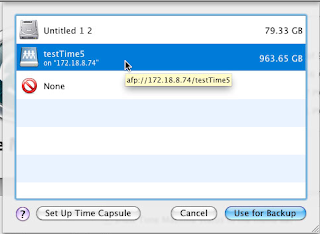
2. Select Disk for backup
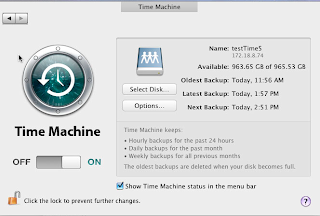
3. select disk ( ex: NAS volume)
4. Back up Now ( start backup)
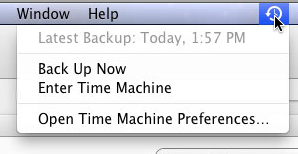
5. Enter Time Machine
Watch & restore content in different time


